
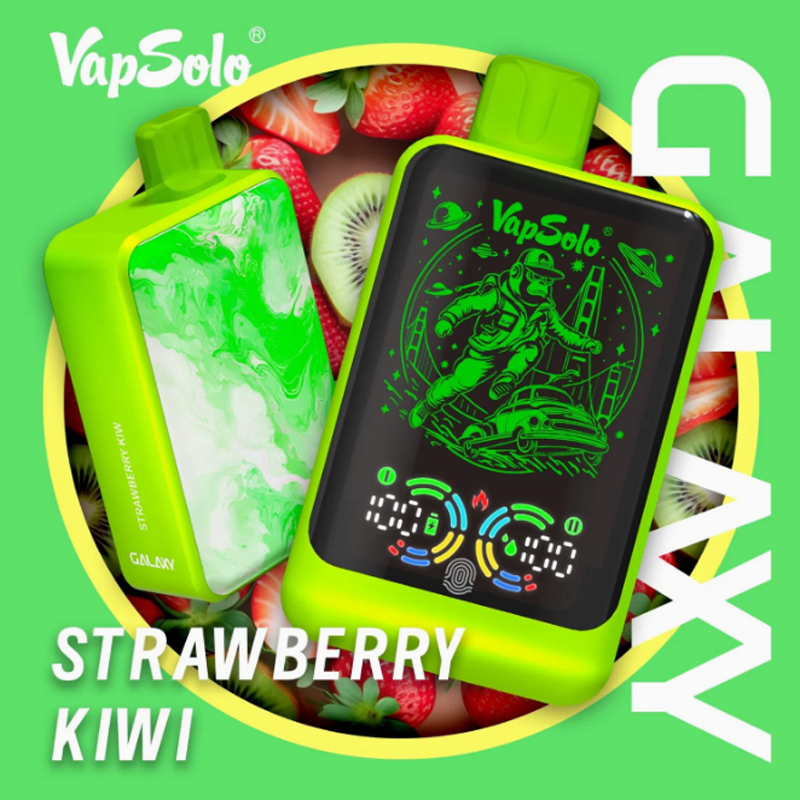
Effective Methods for Removing Stains and Grime from Your Vaping Device
Vaping devices are prone to accumulating dirt, e-liquid residue, fingerprints, and grime over time, especially on frequently touched surfaces like the body, buttons, or drip tip. Regular cleaning not only keeps your device looking pristine but also prevents buildup that could affect performance or hygiene. Below, we explore gentle yet effective techniques to remove stains and restore your device’s appearance.
1. Cleaning the Device’s Exterior with Mild Solutions
Start by wiping down the device’s exterior with a soft, lint-free cloth dampened with warm water. Avoid soaking the cloth, as excess moisture can seep into seams or openings, damaging internal components. Focus on areas prone to fingerprints, such as the firing button, screen, or grip sections.
For stubborn stains or sticky residue (e.g., spilled e-liquid), use a mild dish soap mixed with water. Dip a corner of the cloth into the solution, wring it out thoroughly, and gently scrub the affected area. Avoid harsh chemicals like bleach, ammonia, or alcohol-based cleaners, as these can strip paint, damage finishes, or degrade plastic components.
If your device has a textured or matte finish, use a soft-bristled toothbrush to dislodge dirt from crevices. Brush lightly in circular motions to avoid scratching the surface. Rinse the cloth with clean water and wipe away any soap residue before drying the device completely.
2. Tackling E-Liquid Spills and Leaks on the Device
E-liquid spills can leave sticky residue or discoloration on your device. If liquid has seeped into cracks or buttons, act quickly to prevent damage. Disassemble the device (if possible) to access affected areas, and use a cotton swab dampened with warm water to blot the spill. Avoid spreading the liquid further.
For dried e-liquid stains, apply a small amount of rubbing alcohol to a cotton swab and gently rub the area. Alcohol evaporates quickly, reducing the risk of moisture damage, but use it sparingly and avoid contact with screens or rubber seals. If the stain persists, repeat the process or try a specialized electronics cleaner designed for non-porous surfaces.
After cleaning, let the device air-dry completely before reassembling or using it. Moisture trapped inside buttons or ports can cause malfunctions or corrosion over time.
3. Removing Scratches and Restoring Shine (Non-Abrasive Methods)
While deep scratches may require professional refinishing, minor surface scuffs can often be minimized. For devices with glossy finishes, apply a small amount of non-abrasive plastic polish (designed for electronics or automotive use) to a microfiber cloth. Buff the scratched area gently in circular motions, applying light pressure.
Avoid using toothpaste, baking soda, or other abrasive household items, as these can create more scratches or dull the finish. If your device has a metallic or painted surface, test the polish on a small, inconspicuous area first to ensure compatibility.
For drip tips or mouthpieces, soak them in warm, soapy water to remove residue, then scrub gently with a soft toothbrush. Rinse thoroughly and dry before reattaching. If the drip tip is discolored, consider replacing it with a compatible accessory (though this step is optional and not part of the cleaning process).
4. Polishing Buttons, Screens, and Small Components
Buttons and screens often accumulate grime or fingerprints, affecting usability or visibility. Use a dry microfiber cloth to wipe screens gently, avoiding pressure that could crack them. For stubborn smudges, dampen the cloth slightly with water or a screen-cleaning solution (avoiding alcohol on non-glass screens).
To clean buttons, dip a cotton swab in warm water and roll it around the edges to dislodge dirt. If buttons feel sticky or unresponsive, carefully pry them open (if removable) to clean underneath, but proceed with caution to avoid breaking delicate parts. Let buttons dry completely before reassembly.
For metallic accents or trim, use a metal polish designed for electronics (again, testing on a small area first). Apply a small amount to a cloth and buff gently to restore shine. Avoid polishes containing ammonia, as they can tarnish or corrode certain metals.
By following these cleaning methods, you can keep your vaping device looking and functioning like new. Regular maintenance not only enhances aesthetics but also prolongs the lifespan of your device by preventing buildup that could lead to mechanical issues. Always prioritize gentle, non-abrasive techniques to avoid damaging finishes or components.